

My BMW App
Using the My BMW app
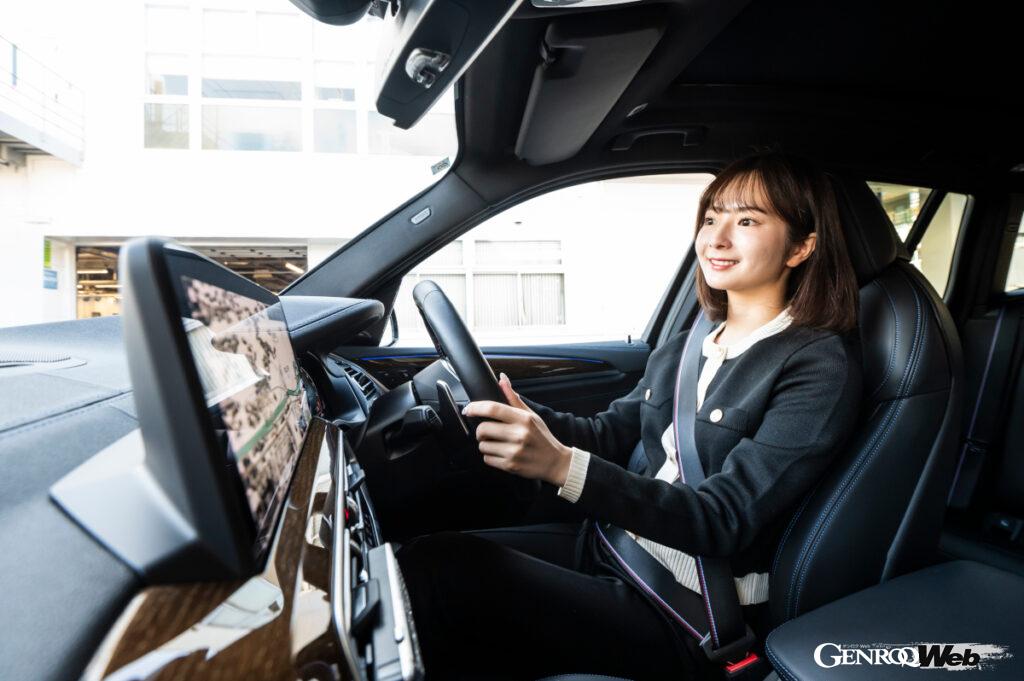

Since I installed the “My BMW app” on my smartphone, using my BMW has become even easier.
It’s been almost six months since I got my beloved BMW X3 M40i. Of course, it’s in good condition and easy to use, so the mileage has increased considerably, and the My BMW app has informed me that it’s almost time for an oil change.
Since installing the My BMW app on my smartphone, I have found that everything related to my car has become much more convenient, including being able to immediately check the status and functions of my vehicle, as in this case, as well as comprehensive navigation and map functions to help me plan my trips, receiving stories and news from the world of BMW, direct access to BMW services, regular updates and upgrades for all functions, and the ability to use the app in demo mode even when I’m not in the car.
Also, with the BEV model, you can receive e-mobility services such as starting and stopping charging, turning on the air conditioning when it’s time to leave, and setting the charging time, so these days I’m thinking that the i5 might be a good choice for my next purchase.
Book your pickup online
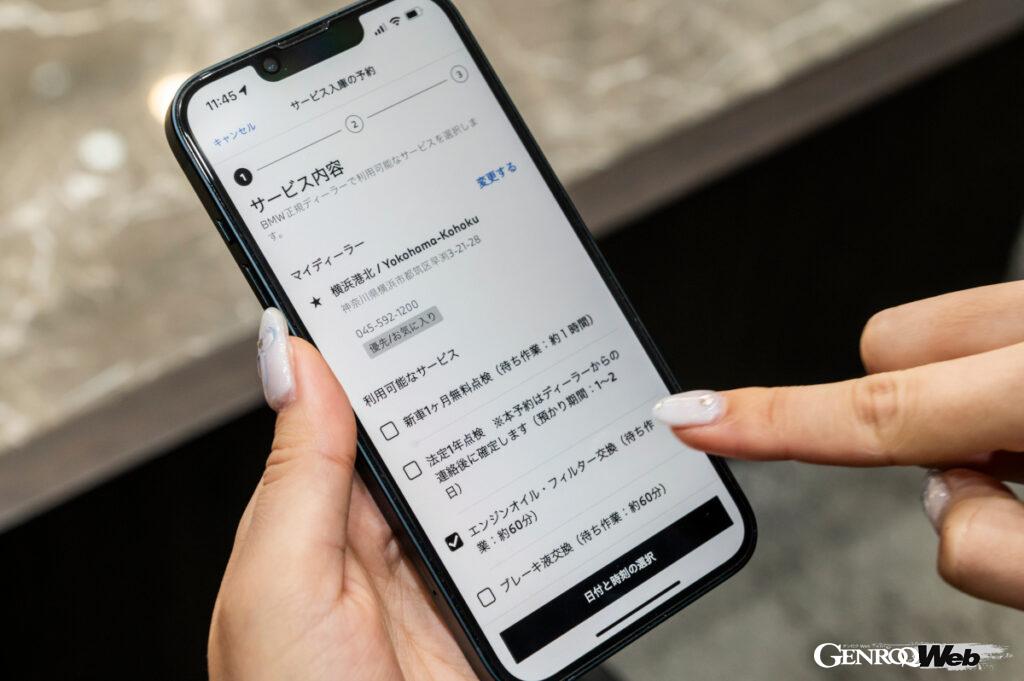
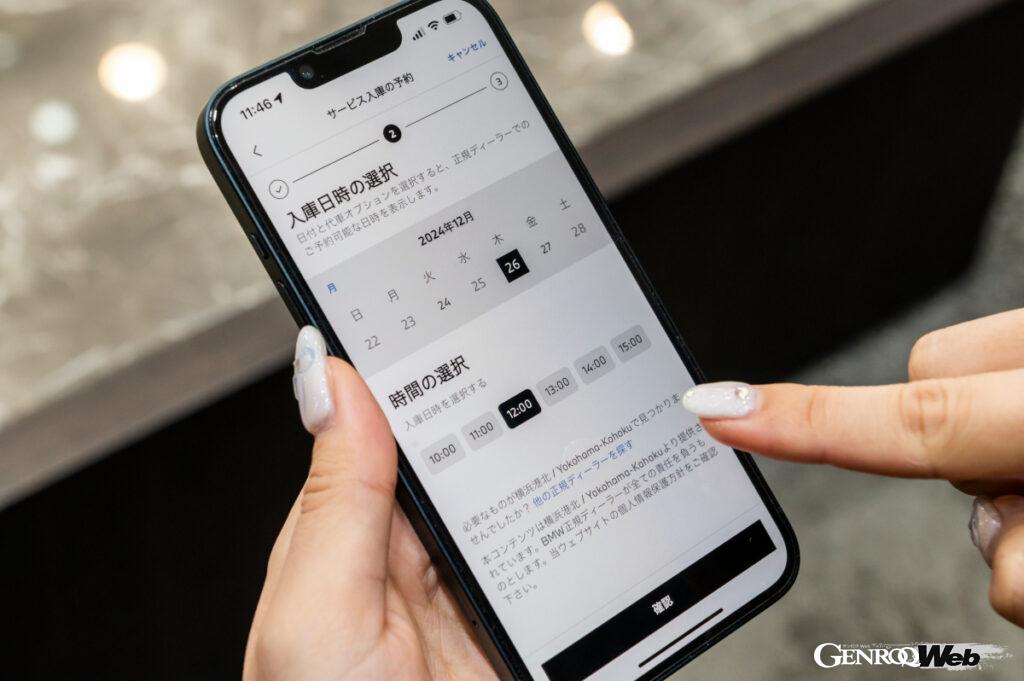
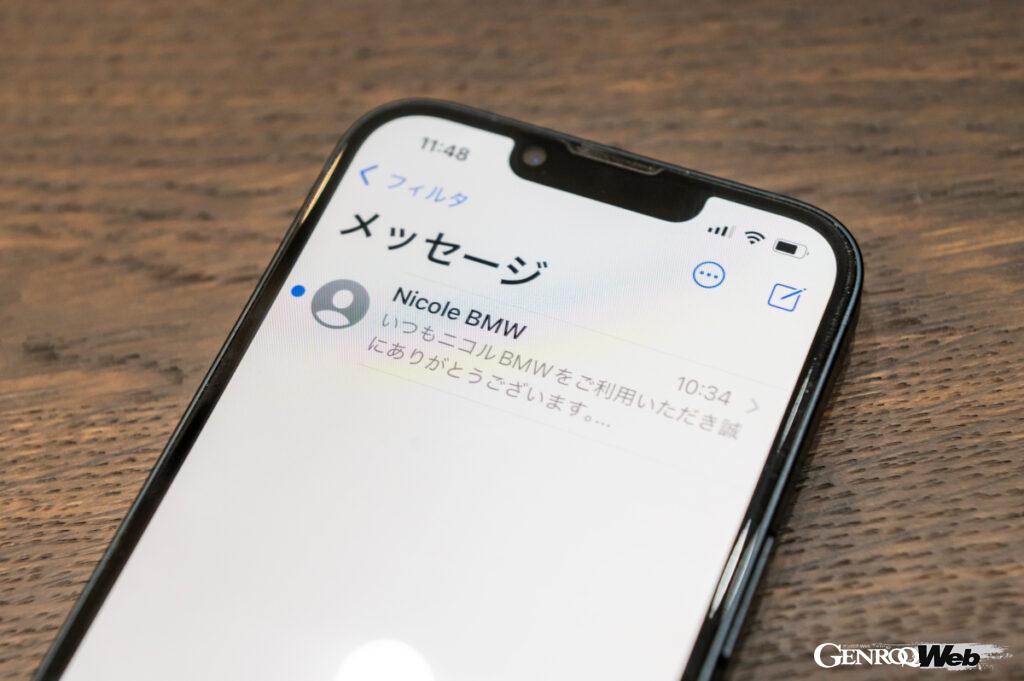
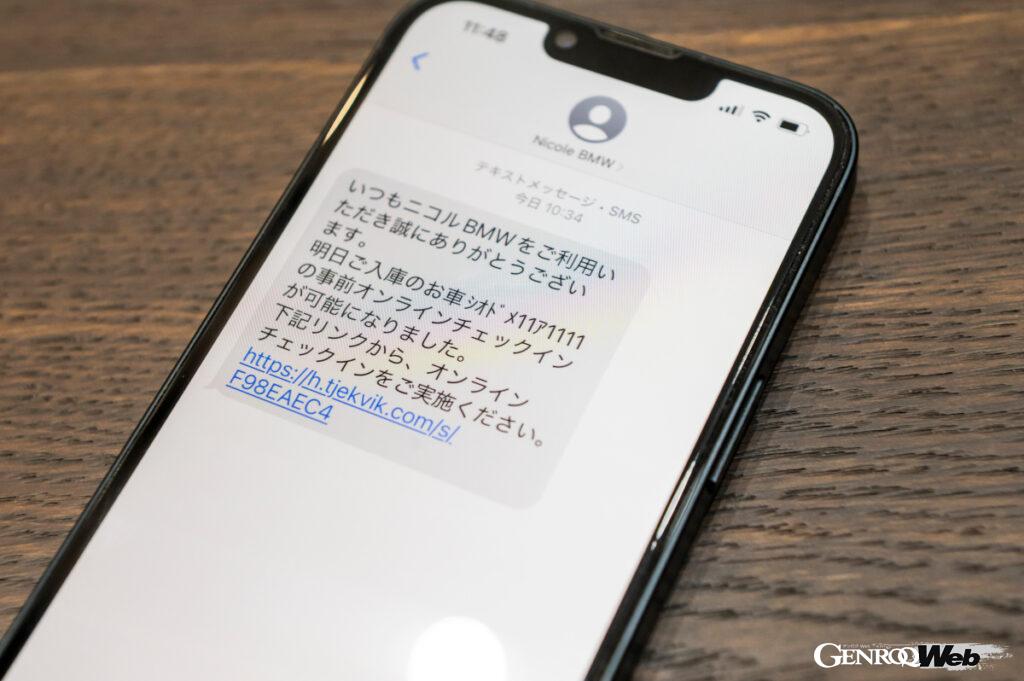

Open BMW’s app, “My BMW App,” and click “Book a Service Visit.” A variety of options will appear, from a one-month free inspection for new cars to a mandatory one-year inspection and oil change, and you can select the maintenance you want. After that, select a date and time when you can come in, enter information such as your car’s license plate number, and submit to complete the reservation. You can also write down your requests at that time, so you can also communicate your detailed feelings and concerns.
Back to the topic at hand. Up until now, when maintenance was needed, I would call the sales person in charge and ask for an appointment, but I would often get so busy at work that I would forget, or by the time I realized it, business hours had already ended.
However, now that I can make an “online reservation” through the My BMW app or website, I no longer have to worry about that, which is a great relief. This time, I remembered, “I need to make a reservation!”, but it was long after business hours had ended. From there, I accessed the “online reservation” page, selected the date and time of my visit, and entered the necessary information, such as my contact information, license plate number, and desired maintenance. At that time, I was also able to write down my detailed requests, so I decided to ask for a brake squeal check as well.
Can be stored outside opening hours
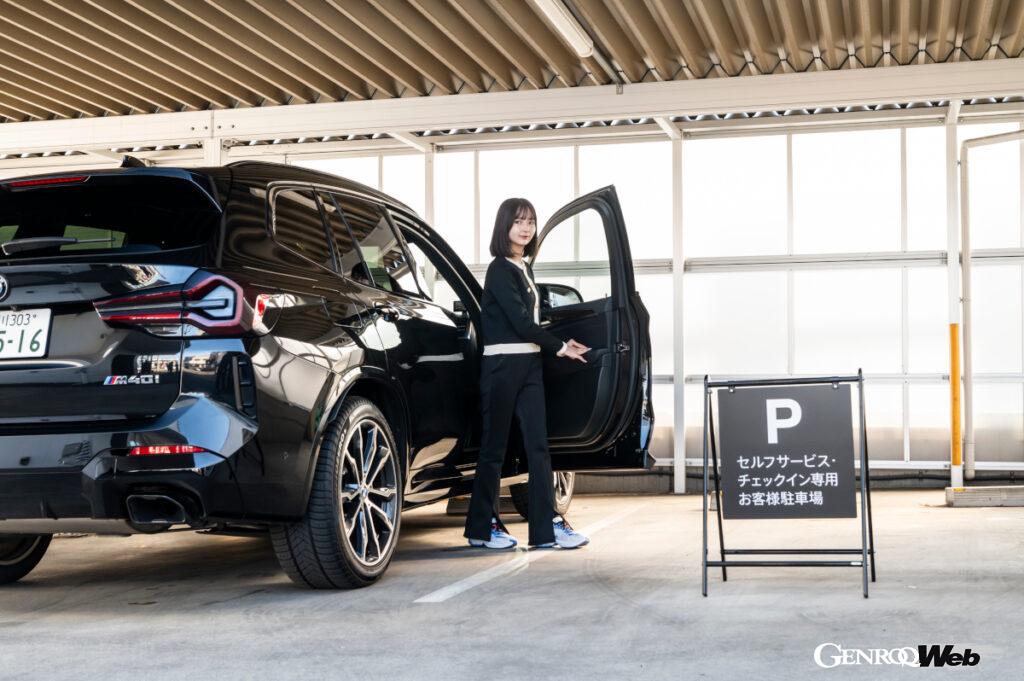
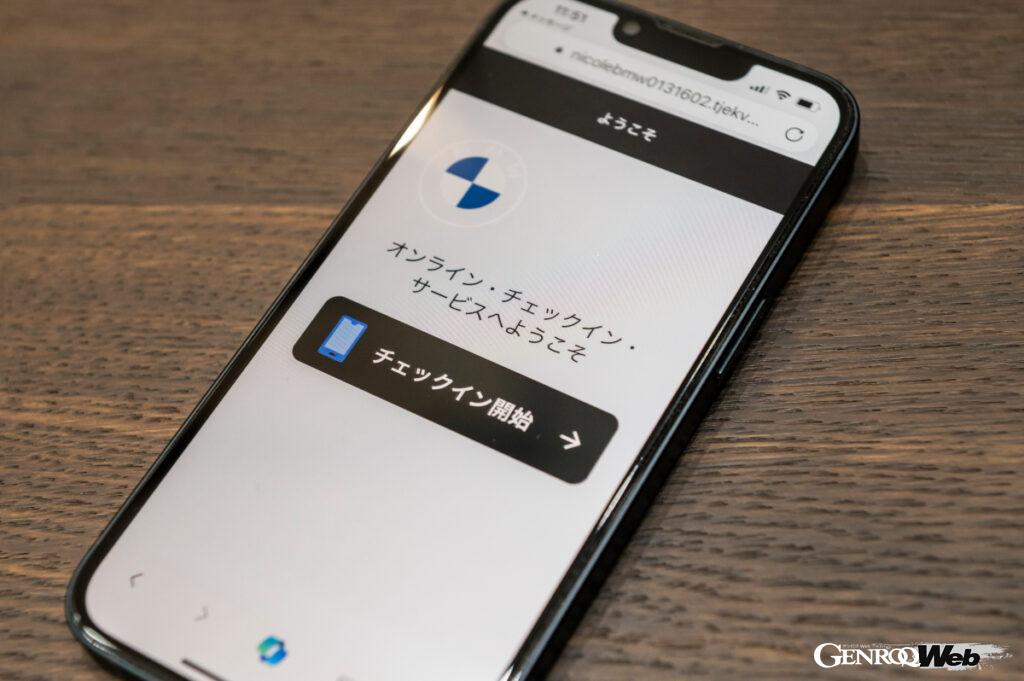


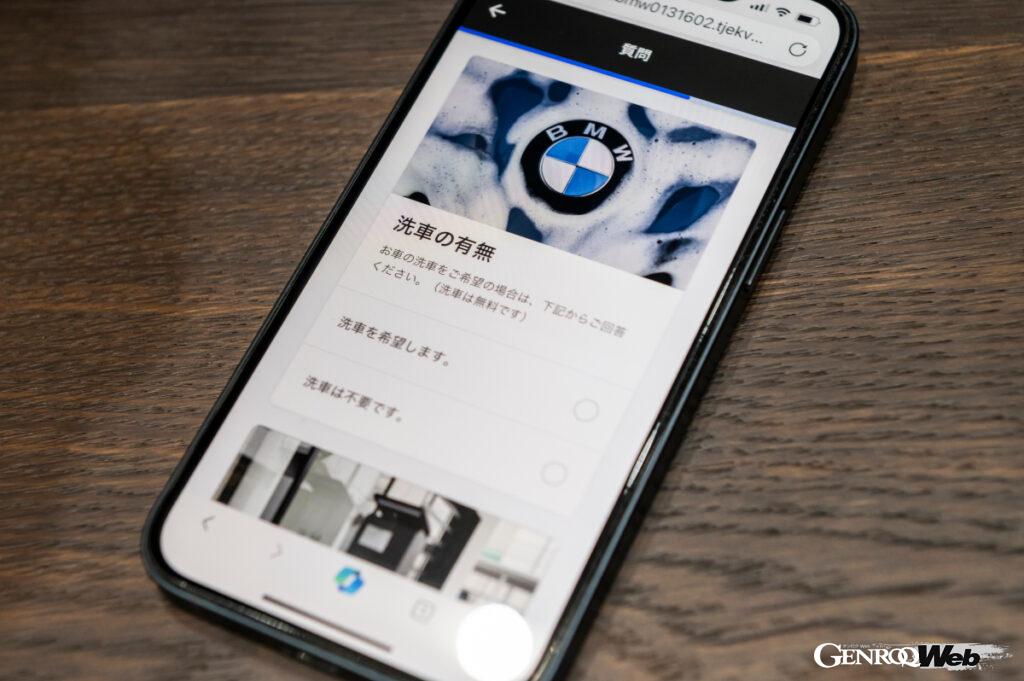
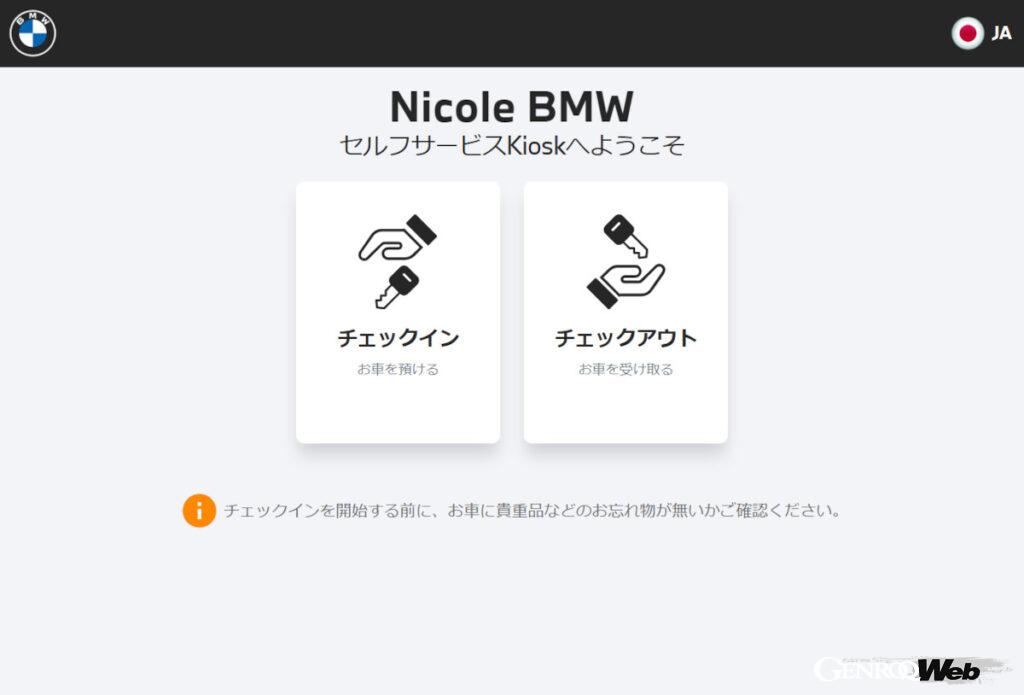
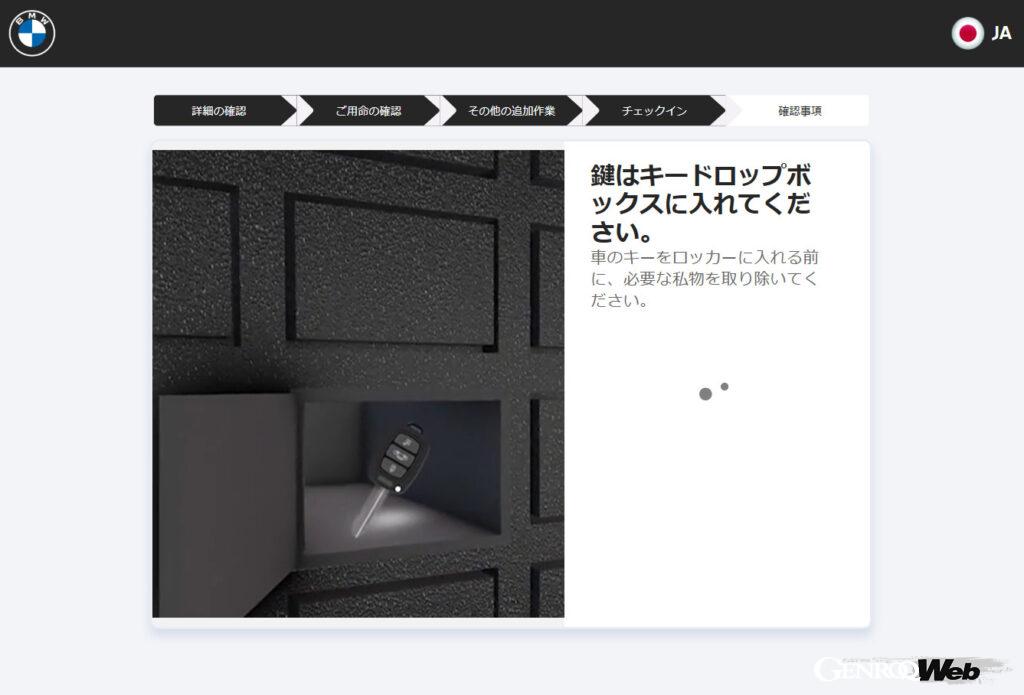
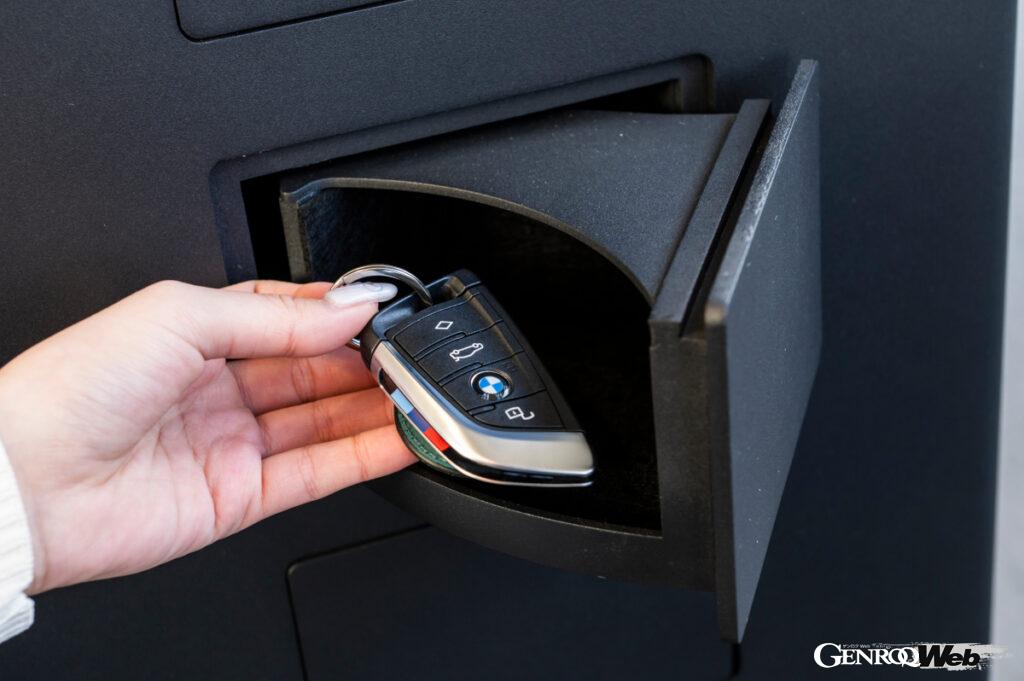
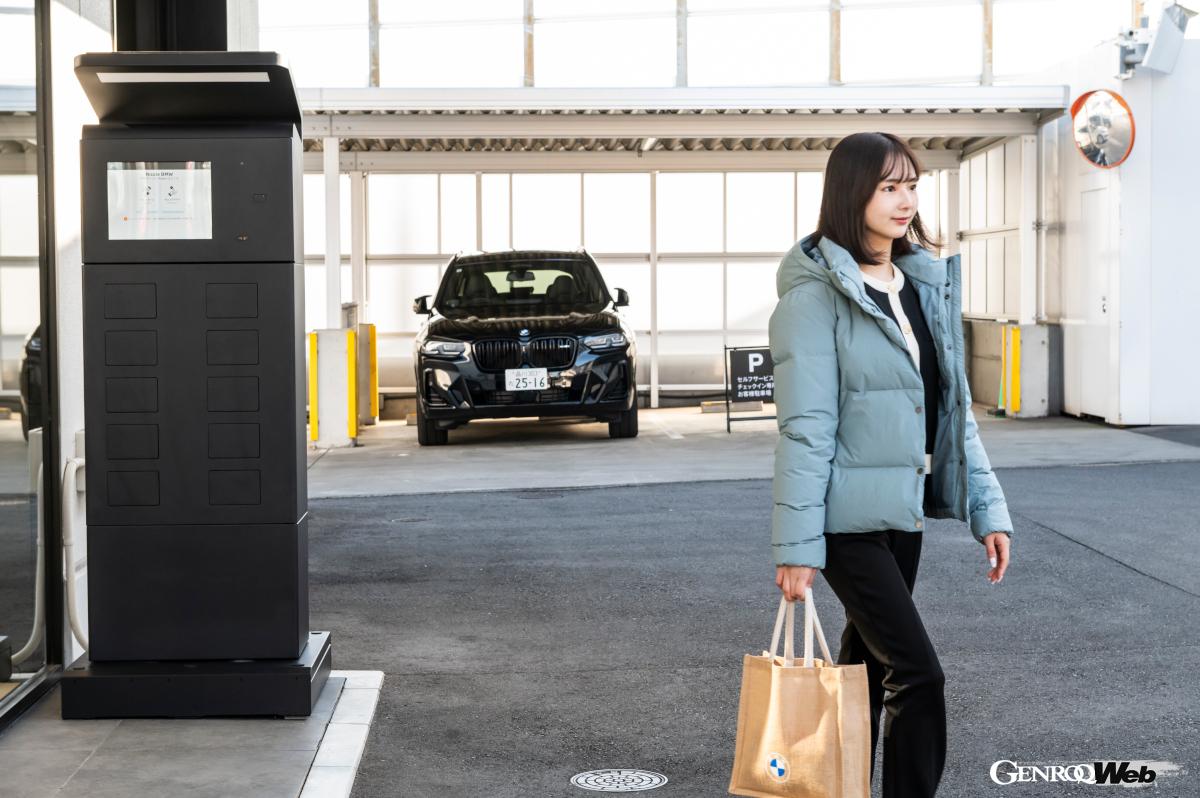
The “Self-Service Check-In” is very easy to use. Just follow the instructions on the touch panel, enter your mobile phone number, and sign on the screen. The locker on the terminal will then open, so all you have to do is insert your key and close the lid. The great thing about it is that it can be used even outside opening hours.
However, I had an important meeting on the day of my reservation, and it seemed like I might not be able to pick up the car within business hours. That’s when I used the “Self-Service Check-In” system.
The process is simple: simply access the online check-in link sent to your smartphone via SMS or email, confirm your reservation details, and make any requests, such as whether or not you would like your car washed.Then, you bring your car in, follow the instructions on the touch panel of a kiosk terminal equipped with a small locker at the dealership, enter your mobile phone number and sign, and then leave your key in the open locker, completing the check-in procedure without meeting anyone.
Since it was my first time using it, I was nervous at first, but it only took me a minute or two to operate the app and the kiosk, and I was surprised at how easy it was. It was so convenient that I think I’ll use the self-service check-in service again next time.
Feel free to contact the dealer

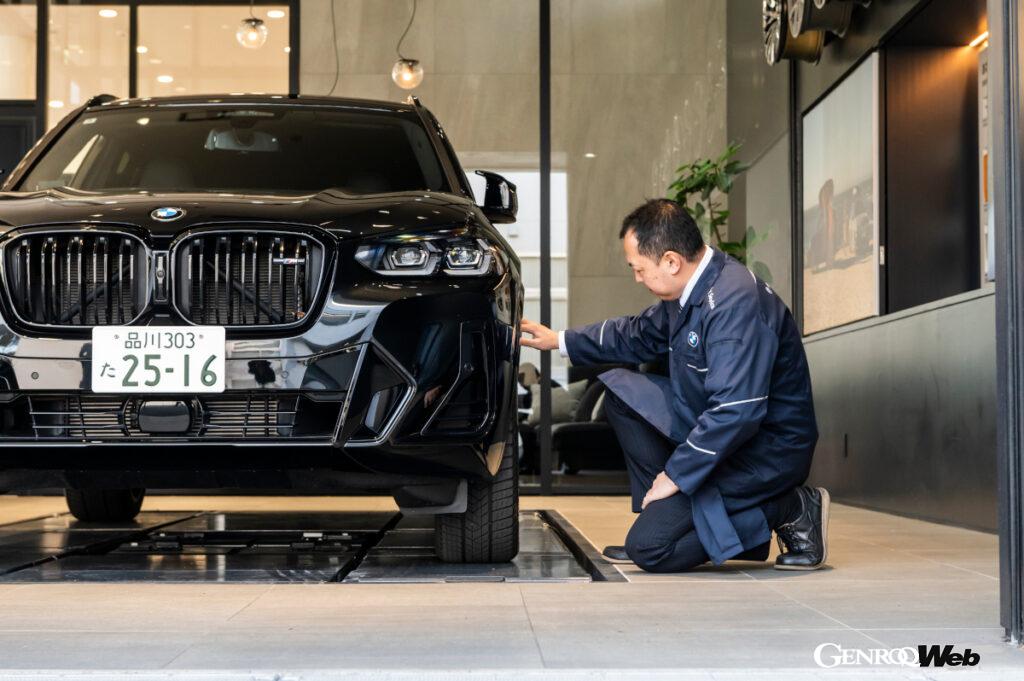
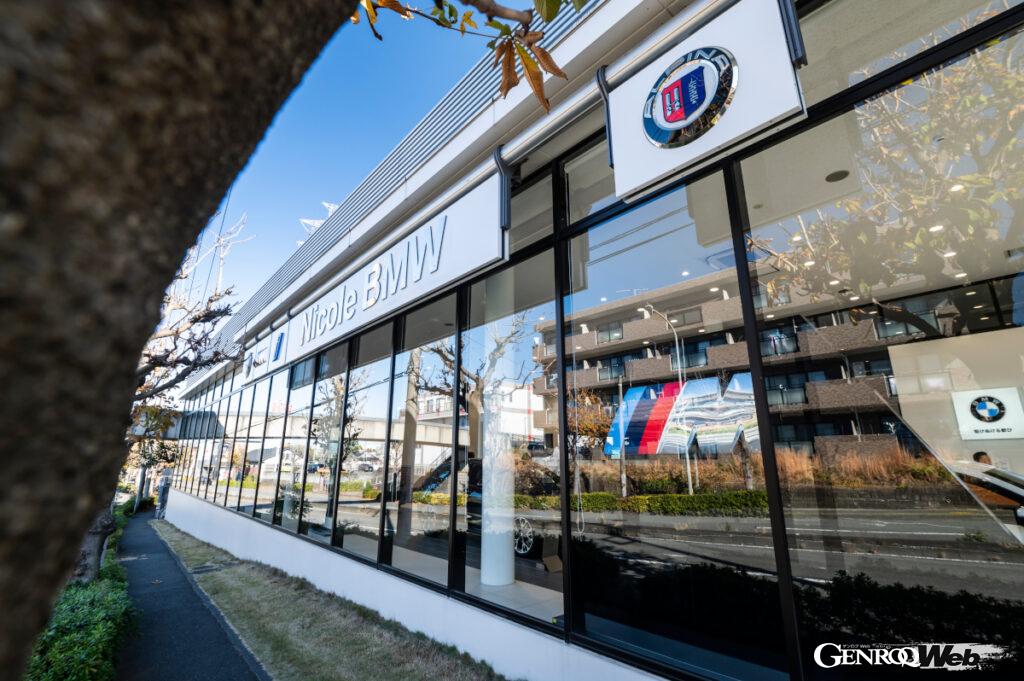
Nicole BMW Yokohama Kohoku Branch
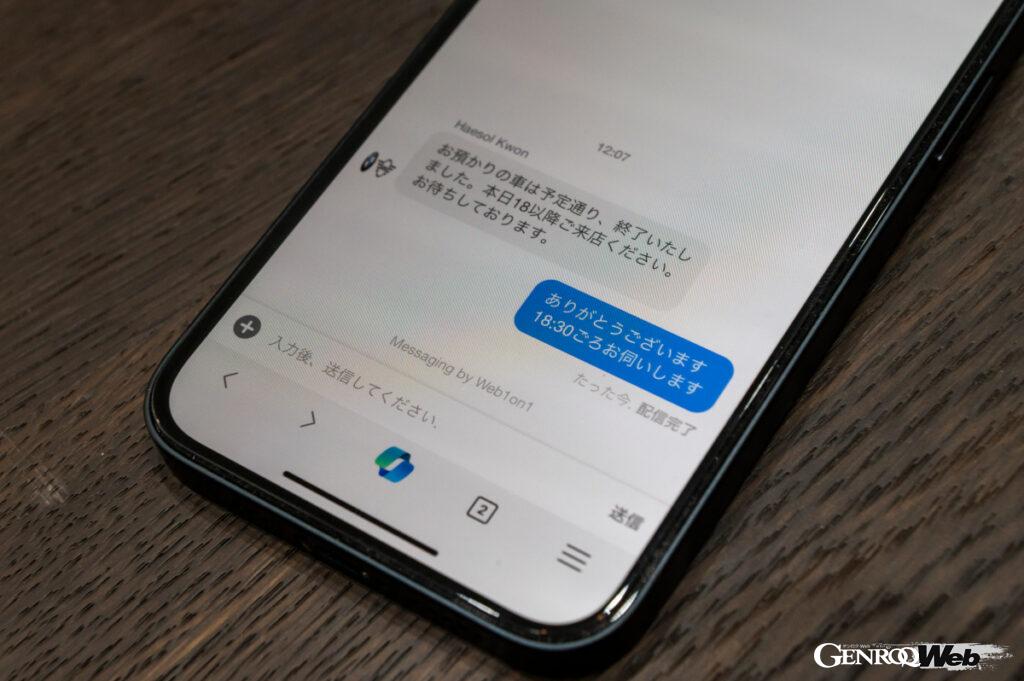
You may feel uneasy about leaving your car without meeting the technician, but every time an action is taken, the technician will send a message to the chat function in the My BMW app, letting you know when the car has been received safely, when work has begun, and when the work has been completed. The BMW video streaming service also provides peace of mind by sending a video to the app in which the technician himself explains the work.
Two days after the car was safely taken in, I received a message on my app from the BMW Video Streaming Service. When I accessed the link, I was sent a video in which a technician from the dealership himself not only explained the details of the maintenance that had been carried out, but also walked around the underside of my lifted car, explaining that there were no problems whatsoever.
I was relieved by the results, and was also able to see the underside of the car, which I normally can’t see. The best part was being able to see with my own eyes the condition of the suspension and other key areas, as well as the screen. I also received a message via the app’s chat function informing me that the work was complete and that the car was available for pickup at any time.
All that’s left to do is go to the dealer on the pickup date and time that we discussed via chat. So, the online reservation process was easier and more convenient than I had imagined. This will make it easier for me to ask the dealer for maintenance in the future.
MODEL / Sara Nakayama (NAKAYAMA Sara) Instagram
PHOTO / Kunihisa Kobayashi (KOBAYASHI KUnihisa)
COOPERATION / Nicole BMW Yokohama Kohoku Branch 3-21-28 Hayabuchi, Tsuzuki-ku, Yokohama, Kanagawa Prefecture TEL 045-592-1200 https://nicole.bmw.jp/ja/yokohamakohoku